

Google Opens Workspace to Agentic AI - With a Few Caveats
Google has quietly published a command-line interface (CLI) for Google Workspace on GitHub, a move that significantly lowers the barrier for agentic✦ AI tools to interact with Gmail, Google Docs, Google Drive, and the broader Workspace ecosystem✦. The release is aimed primarily at developers, but its implications stretch well beyond the technical community.
The CLI is designed to make it easier for tools such as OpenClaw, the agentic AI tool whose creator recently joined OpenAI, to gain structured access to documents, emails, and files stored across Workspace. It also extends to other AI clients including Claude Desktop and VS Code.
By The Numbers
- Google Workspace has more than 3 billion users worldwide, making it one of the most widely deployed productivity suites on the planet.
- In a reader poll on Android Authority, 44% of respondents said they would not give an LLM✦ full computer access due to security concerns.
- Only 3% of poll respondents said they would grant full AI access without any concern about potential pitfalls.
- The Workspace CLI is listed as a developer sample, meaning it carries no official Google support guarantee at this stage.
- OpenClaw's creator joined OpenAI last month, adding a layer of strategic interest to its deep integration with Google's own tooling.
What Is the Google Workspace CLI and Why Does It Matter
A command-line interface differs fundamentally from the graphical user interfaces most people use daily. Rather than navigating software through visual menus and icons, a CLI is entirely text-based - the kind of environment accessed through the Command Shell on Windows or Terminal on macOS. For human users, CLIs can feel unintuitive and require specific technical knowledge.
For AI agents, however, CLIs are often preferable. Graphical interfaces introduce visual ambiguity, which can trip up automated systems. A well-structured CLI removes that ambiguity, giving AI agents precise, consistent commands to follow. That is precisely why this Workspace CLI is significant for the agentic AI movement.
"The non-CLI process for AI integration with Google Workspace is a royal pain." - PCWorld
Before this CLI, integrating an AI agent with Workspace required developers to navigate a considerably more complex process. The new interface streamlines that pipeline, allowing tools like OpenClaw to access and act upon content across Google Docs, Gmail, and Drive with far less friction.
It is worth being precise here: this CLI does not enable AI integration with Workspace for the first time. Integration was already possible. What the CLI does is make it dramatically more accessible and consistent. That is a meaningful distinction. Easier access tends to accelerate adoption, and wider adoption of agentic AI inside productivity tools carries its own set of risks that deserve scrutiny.
OpenClaw, Claude, and the Race for Workspace Access
The CLI documentation published by Google includes instructions specific to OpenClaw, signalling that this tool is currently among the primary intended beneficiaries of the new interface. OpenClaw has attracted significant attention in AI circles, and the fact that its creator has since moved to OpenAI adds an interesting competitive subtext to Google's decision to publish tailored integration guidance.
Alongside OpenClaw, the CLI also facilitates easier Workspace access for Claude Desktop, Anthropic's desktop AI client, and VS Code, Microsoft's widely used code editor. The inclusion of Claude Desktop is particularly notable given Anthropic's growing footprint in enterprise AI. For more on Claude's rising profile, see our coverage of why users are switching to Claude and five apps that are supercharged by Claude integration.
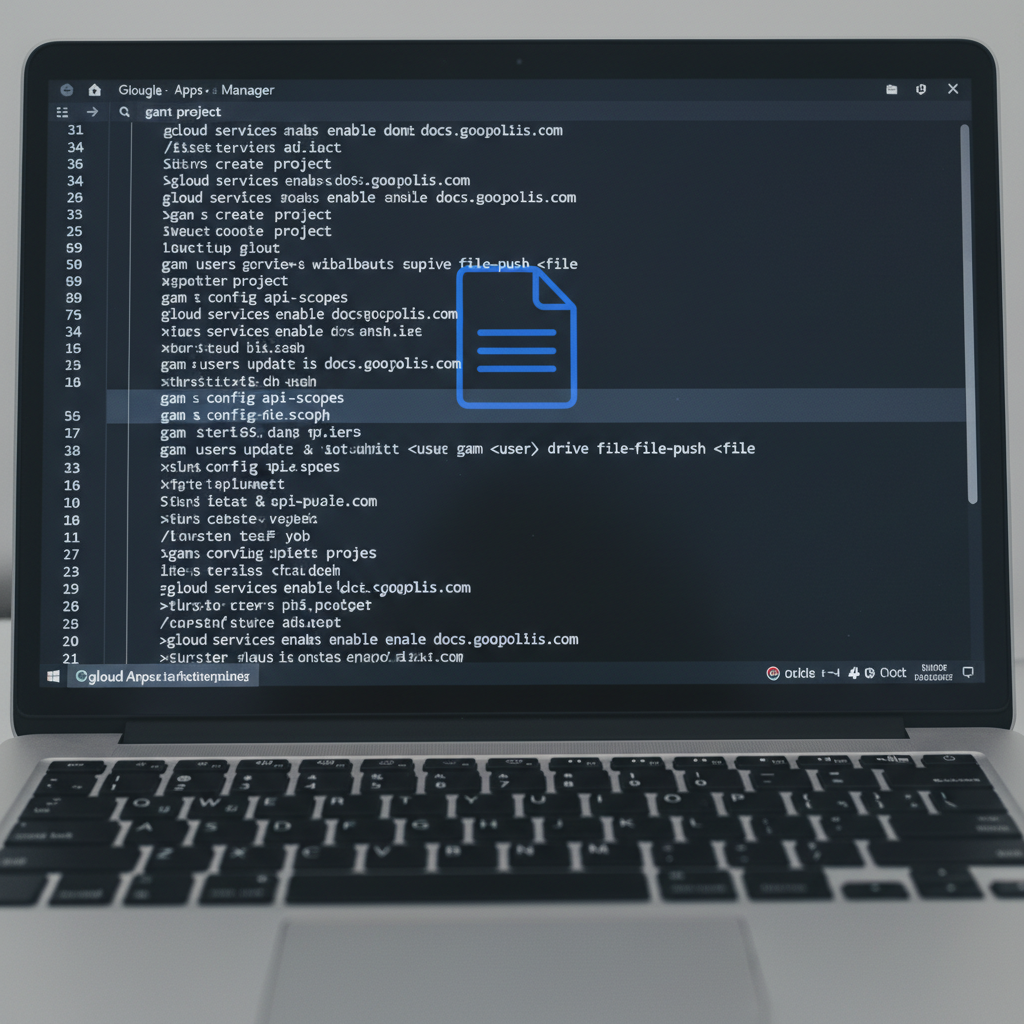
The positioning of multiple competing AI tools within the same documentation is telling. Google appears to be taking a platform-agnostic approach at this stage, prioritising ecosystem openness over exclusivity. Whether that posture holds as agentic AI matures into a core productivity feature remains to be seen.
The Security Question Nobody Should Skip
The CLI carries an important disclaimer: it is not an officially supported Google product. This means Google cannot currently guarantee that the tool is completely fit for purpose, and enterprise users should treat it accordingly. The tool is part of a collection of Workspace APIs that Google describes as developer samples, firmly positioning it as a tool for technically sophisticated users rather than general consumers.
44% of respondents in a reader poll said they would not give an LLM full computer access due to security concerns. - Android Authority poll, March 2026
That level of public scepticism is worth taking seriously. Granting an AI agent broad access to Gmail and Google Drive means giving it the ability to read, modify, and potentially delete sensitive data. The efficiency gains are real, but so is the exposure. Users who misconfigure access permissions or deploy an under-tested agentic tool against live data could face serious consequences.
The headline joke about deleting all your emails is not entirely a joke. Agentic AI tools that operate autonomously on behalf of users are only as safe as the guardrails✦ built around them. For a broader discussion of the cognitive and operational risks that come with heavy AI reliance, the piece on the dark side of AI-driven productivity is essential reading.
- Do: Test the CLI in a sandboxed or development Workspace environment before any production use.
- Do: Review permission scopes carefully before granting any AI agent access to Gmail or Drive.
- Do not: Assume that "developer sample" status implies the tool is safe for enterprise deployment without additional review.
- Do not: Grant broad write or delete permissions to an AI agent without explicit human-in-the-loop✦ confirmation steps.
The Asia-Pacific Picture
For Asia-Pacific markets, the arrival of a structured Google Workspace CLI for agentic AI carries particular weight. Google Workspace is deeply embedded in the productivity stacks of businesses across Singapore, Japan, Australia, and India, where cloud adoption has accelerated sharply over the past five years. The region's small and medium-sized enterprises in particular rely heavily on Workspace, and any tool that lowers the cost of AI-assisted automation could have an outsized impact on that segment.
In Japan, where enterprise software adoption has historically lagged behind hardware innovation, agentic AI tools that integrate directly into familiar productivity environments could serve as a meaningful on-ramp. India's large developer community is likely to be among the earliest adopters of the CLI, given the country's established culture of open-source experimentation and its growing AI startup ecosystem.
Regulatory dynamics also differ across the region. Singapore's approach to AI governance✦ emphasises responsible deployment with sectoral guidance rather than blanket rules, which could make it a testing ground for enterprise-grade agentic deployments. Meanwhile, China's own AI policy ambitions - outlined in its latest five-year technology plan, which you can explore in our coverage of China's AI five-year tech blitz - are accelerating domestic alternatives that may compete with Google's ecosystem entirely.
For small businesses across the region looking to capitalise on AI automation, the broader picture of small business wins in the AI era is directly relevant to how tools like this Workspace CLI might be deployed in practice.
What Comes Next for Agentic AI and Productivity Tools
This Workspace CLI represents one node in a much larger trend. The agentic AI space is moving quickly, with an expanding set of tools competing to become the default layer through which AI interacts with enterprise software. Google's decision to publish structured documentation, including named integrations with specific third-party tools, suggests the company understands that the next productivity battleground is not the interface itself but the layer of AI agency that sits above it.
The convergence of agentic AI with enterprise productivity suites will also intensify demands on infrastructure. Data centres supporting AI workloads are already under strain, and novel approaches to capacity are being explored globally. For context on that infrastructure challenge, our piece on floating data centres tackling the energy crisis explores one such solution gaining traction.
| AI Tool | Workspace Access via CLI | Current Status |
|---|---|---|
| OpenClaw | Yes - specific instructions included | Creator joined OpenAI; active development |
| Claude Desktop | Yes - supported in documentation | Anthropic enterprise rollout ongoing |
| VS Code | Yes - supported in documentation | Microsoft-backed; widely used by devs |
| Generic LLM APIs | Possible via developer samples | Requires manual configuration |
Frequently Asked Questions
What is the Google Workspace CLI and who is it for?
The Google Workspace CLI is a command-line interface published by Google on GitHub that allows AI agents and developer tools to interact with Workspace apps including Gmail, Google Docs, and Google Drive. It is currently classified as a developer sample and is not officially supported by Google, meaning it is intended for technically proficient users rather than general consumers.
Is it safe to give an AI agent access to my Google Workspace account?
There are genuine risks involved. The CLI is not officially supported by Google, which means stability and security guarantees are limited. Users should test any agentic AI integration in a sandboxed environment, review permission scopes carefully, and avoid granting write or delete access without human oversight. The tool is best treated as experimental at this stage.
Which AI tools currently support the Google Workspace CLI?
The published documentation includes specific integration instructions for OpenClaw, Claude Desktop, and VS Code. Other AI tools may be able to use the CLI via the broader developer samples framework, but dedicated guidance is currently focused on these three applications.
Given that nearly half of users surveyed said security concerns would stop them granting an AI full access to their systems, how is your organisation actually thinking about the boundary between AI agent convenience and data risk? Drop your take in the comments below.






No comments yet. Be the first to share your thoughts!
Leave a Comment