
learn
beginner
ChatGPT
Suno
AIVA
BandLab
How to Use AI to Teach Yourself Music Production
Use AI tools to learn music production from scratch, covering beat-making, mixing, and mastering without formal training.
9 min read26 February 2026
music production
learning
creative skills
audio
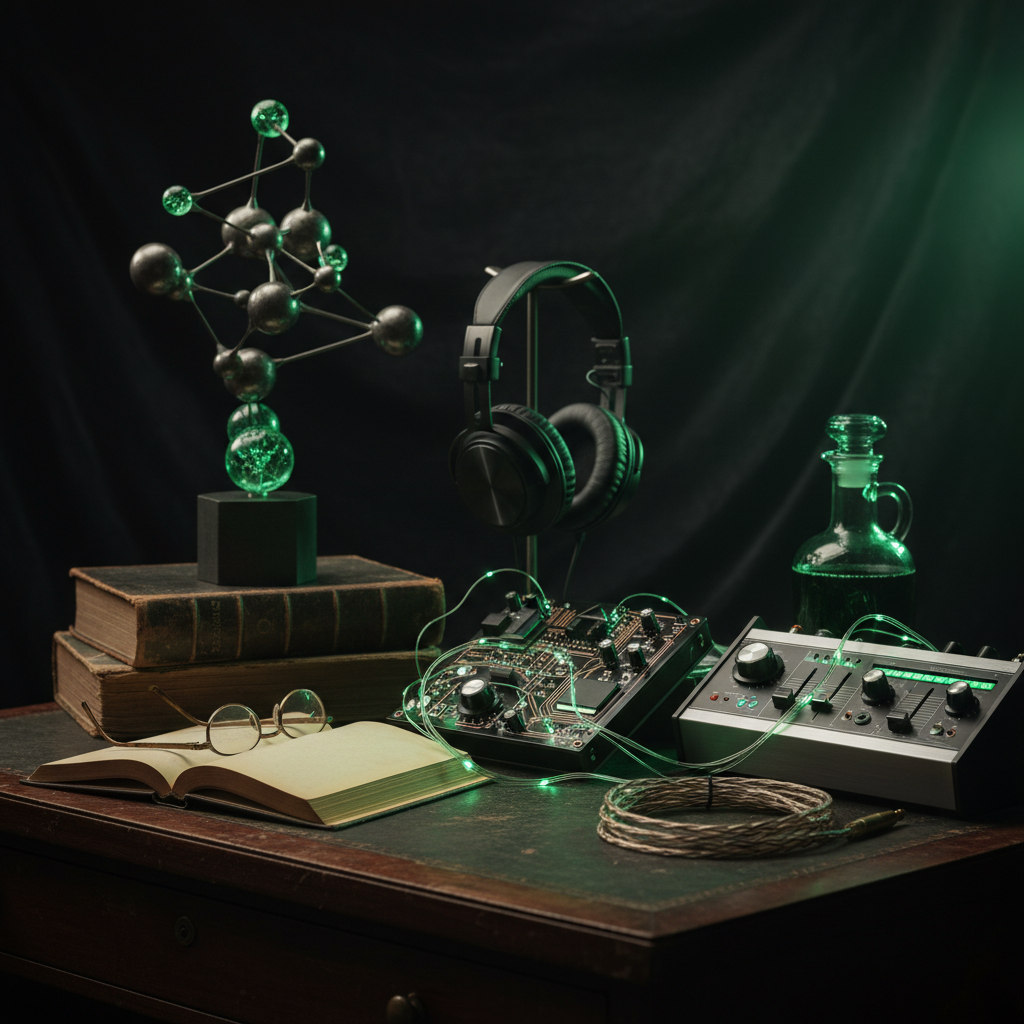
Learn music theory basics through AI-powered explanations and exercises
Use AI to generate beats, melodies, and backing tracks for practice
Get AI feedback on your mixes and master your tracks
Build a portfolio of original music using AI-assisted production
Why This Matters
Deep work requires uninterrupted focus, but most days are fractured by administrative overhead. Emails, scheduling, status updates, minor decisions: none of this adds value, yet all of it consumes your attention and energy. When you're constantly switching between these small tasks and real work, neither gets your best effort. AI tools handle the administrative layer entirely, removing that context-switching tax. The result is longer uninterrupted blocks for the work that matters, lower cognitive load, and measurably better output because you're not mentally exhausted by the time you start the important stuff.
How to Do It
1
Learn the Basics with AI Tutoring
Start by asking AI to explain fundamental concepts: BPM, time signatures, chord progressions, and song structure. Have it create simple exercises you can try in any free DAW like BandLab or GarageBand.
2
Generate Reference Tracks
Use AI music generators to create example tracks in your preferred genre. Study the structure: how the intro flows into the verse, where the drop hits, and how the outro resolves. Reverse-engineering AI tracks teaches you arrangement fast.
3
Build Your First Beat
Follow AI step-by-step instructions to create a basic drum pattern, add a bassline, layer a melody, and apply basic effects. Start with a simple 4-bar loop and expand from there.
4
Learn Mixing with AI Feedback
Export your tracks and ask AI to analyse the frequency balance, suggest EQ adjustments, and recommend compression settings. Many AI mastering tools can also process your tracks automatically.
5
Create and Release Your Music
Use AI to help you master your finished tracks, create artwork, write descriptions for streaming platforms, and plan your release strategy.
What This Actually Looks Like
The Prompt
**Scenario:** You want to produce a lo-fi hip-hop beat for a YouTube channel.
Prompts to Try
Music Theory Tutor
Explain [music concept] as if I'm a complete beginner. Use simple language, give me a practical exercise I can try in [DAW name], and show me how this concept is used in [genre] music.
Beat Creation Guide
Give me step-by-step instructions to create a [genre] beat in [DAW]. Include: tempo, time signature, chord progression, drum pattern, bass line, and 2 additional elements. I'm a [beginner/intermediate] producer.
Mix Feedback
I've just finished a [genre] track. Here are the elements I used: [list instruments and effects]. What should I check in my mix? Give me a mixing checklist covering EQ, compression, panning, reverb, and volume levels.
Common Mistakes
Skipping music theory entirely
You don't need a degree, but ask AI to teach you the basics of rhythm, scales, and chord progressions. Even 30 minutes of theory makes a huge difference.
Over-relying on AI-generated music
Use AI tracks for learning and inspiration, but always create your own original elements. The goal is to build your skills, not just curate AI output.
Ignoring ear training
Ask AI for ear training exercises. Being able to identify intervals, chords, and rhythms by ear is the most valuable skill you can develop.
Tools That Work for This
BandLab
Suno
ChatGPT
Frequently Asked Questions
Not at all. BandLab is completely free and browser-based. GarageBand is free on Apple devices. You can produce professional-quality music without spending anything on software.
This is evolving legally. In most jurisdictions, AI-generated music alone can't be copyrighted, but music you create using AI as a tool (where you make creative decisions) generally can be. Check your local laws.
Next Steps
- Download BandLab and complete the AI-guided beat creation exercise above
- Ask AI to create a 30-day music production learning curriculum tailored to your genre
- Join online producer communities in your region for feedback and collaboration
- Ask AI to create a 30-day music production learning curriculum tailored to your genre
- Join online producer communities in your region for feedback and collaboration