
learn
intermediate
ChatGPT
Claude
AI Calendar Scheduling for Busy Professionals
Discover how AI calendar assistants like Calendly AI and Google Calendar automation optimise scheduling, reduce meeting overload, and reclaim time for deep work.
9 min read27 February 2026
calendar
scheduling
optimization
Why This Matters
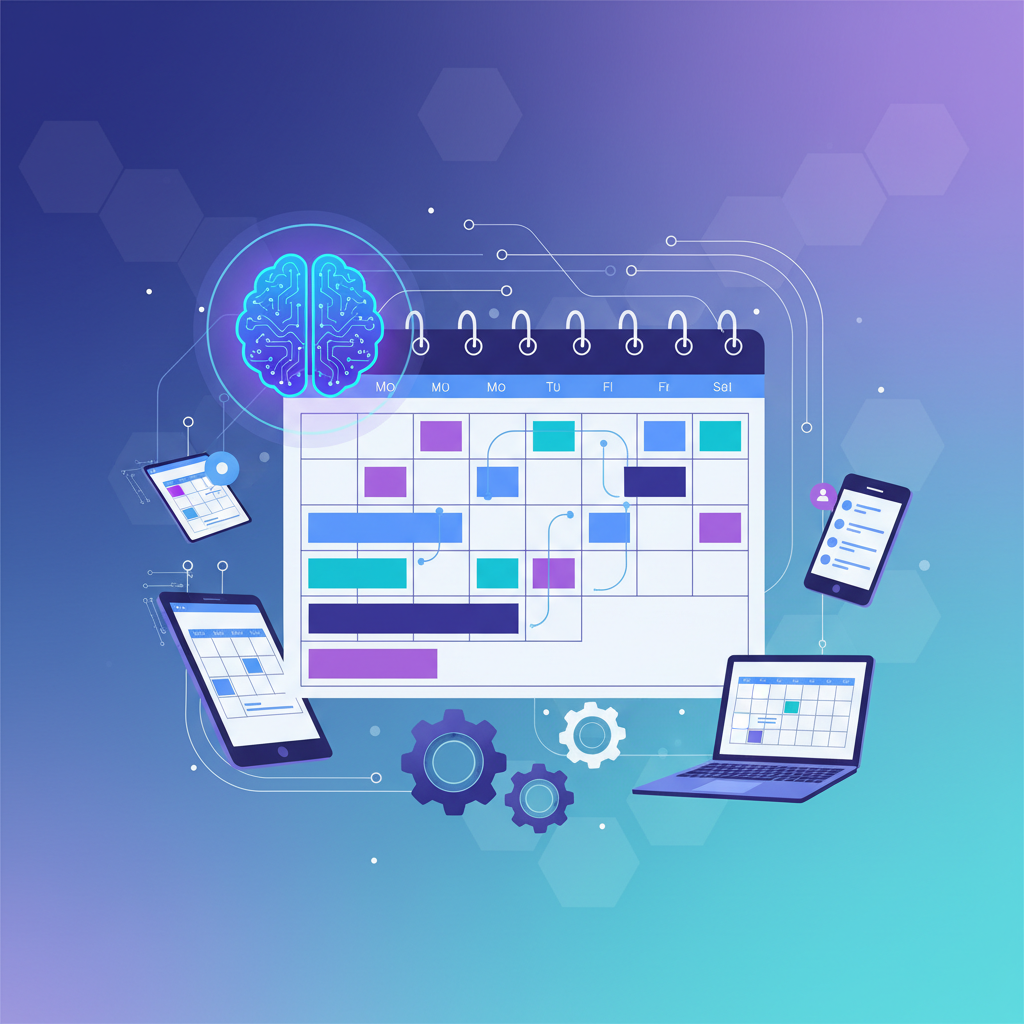
Calendar management represents one of modern professional work's greatest time sinks. Between juggling meetings across multiple timezones, negotiating availability with colleagues, and protecting time for focused work, scheduling consumes hours weekly. AI calendar systems now handle much of this complexity automatically, learning your preferences and constraints to propose optimal meeting times. For Southeast Asian professionals managing cross-timezone collaboration with Singapore, Jakarta, Manila, and Hong Kong simultaneously, AI scheduling is transformative. These systems understand timezone implications, recognize your peak productivity hours, and protect block time for deep work. This guide explores AI calendar solutions that restore control over your time.
How to Do It
1
Intelligent Meeting Time Optimisation
AI calendar assistants analyse thousands of potential meeting times against all attendees' schedules, constraints, and preferences to identify genuinely optimal options. Unlike traditional scheduling that simply finds free slots, AI considers context: which attendees are travelling, whose timezone is least convenient, time-of-day energy levels, and meeting duration appropriateness. For a meeting involving Singapore, Ho Chi Minh City, and Manila attendees, the AI might recognise that morning Singapore time forces Manila into late evening. It would suggest alternatives balancing burden across timezones. The system learns your preferences—maybe you consistently decline 8am slots despite availability—and stops suggesting them. This contextual intelligence dramatically reduces scheduling friction.
2
Automated Meeting Rescheduling
When conflicts arise or priorities shift, AI can autonomously find replacement times and propose rescheduling, handling much of the negotiation burden. If you accept an urgent client meeting, the AI identifies lower-priority meetings, finds alternative times that work for all attendees, and sends rescheduling proposals. This is particularly valuable in Asian corporate culture where direct declination of meetings can create relationship friction. The AI can decline meetings diplomatically on your behalf, propose reschedules, and prioritise based on hierarchical importance. These systems maintain relationship context—understanding that declining your manager's meeting requires different handling than declining peer collaboration.
3
Protected Focus Time Blocks
AI scheduling systems can actively protect time for deep work by declining meetings that conflict with your priority blocks, suggesting alternatives to requesters, and creating meeting-free periods matching your peak productivity hours. The system learns when you're most creative and protective of that time. For developers, designers, and knowledge workers, this protection is essential because fragmented schedules prevent flow states. The AI can learn which meeting types you're willing to interrupt focus for (urgent client issues) versus which you're not (status updates that could be emails). This intelligent flexibility prevents both excessive meeting load and the guilt of declining collaboration.
4
Context-Aware Preparation and Briefing
AI integrates with your calendar to automatically prepare meeting context—pulling relevant documents, previous discussion notes, action items, and project status. Before your meeting begins, you're already briefed on key details. The system can identify if this is a recurring meeting (weekly sync, monthly review) and prepare standard agenda items. For busy executives juggling dozens of meetings weekly, this context-switching reduction is significant. The AI can also suggest who else should attend based on previous related discussions, flag if important stakeholders are missing, and create appropriate meeting agendas automatically. This transforms meetings from reactive discussions into strategic conversations.
Frequently Asked Questions
Yes, leading systems understand timezone maths and explicitly show timezone differences to all attendees. They can be configured to avoid proposing times that are unreasonable for anyone (like midnight meetings). Some systems even suggest asynchronous alternatives for meetings where timezone-friendly times don't exist.
Some systems can auto-decline based on your rules (meetings without clear agenda, conflicting with focus time, insufficient notice). However, most require human review before declining sensitive meetings. This balances automation efficiency with relationship management.
Most modern AI calendar assistants integrate with Outlook, Google Calendar, and other calendar platforms. They read your availability but may require you to enable specific permissions for autonomous scheduling actions.
Next Steps
["AI calendar scheduling represents a fundamental shift from reactive availability management to proactive time optimisation. By automating timezone mathematics, protecting focus time, and intelligently rescheduling conflicts, these systems restore agency over your calendar. For Asian professionals managing complex geographies and cultural meeting expectations, AI calendar assistants provide fair, transparent scheduling that respects everyone's time. The ultimate benefit isn't less meetings—it's better meetings scheduled at times when everyone can genuinely contribute."]